Echoline
A downloadable tool for Windows and Android
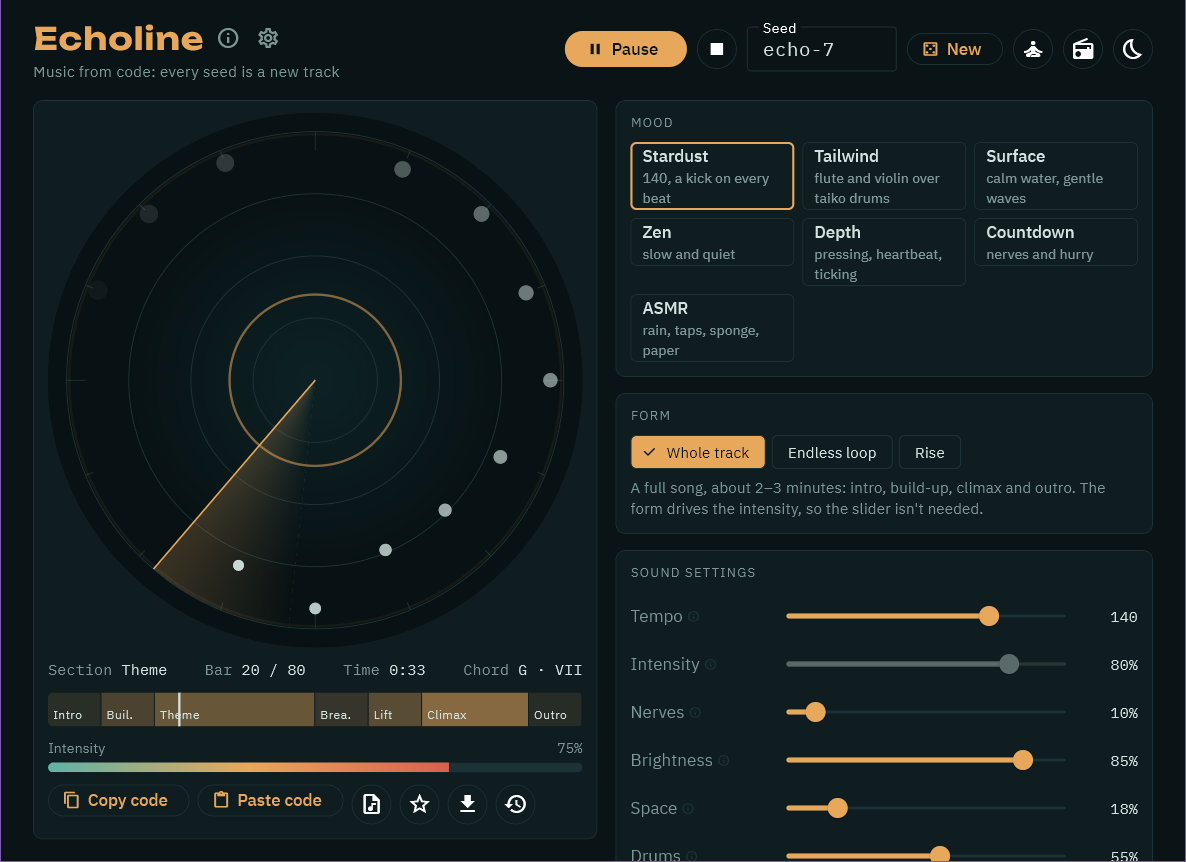
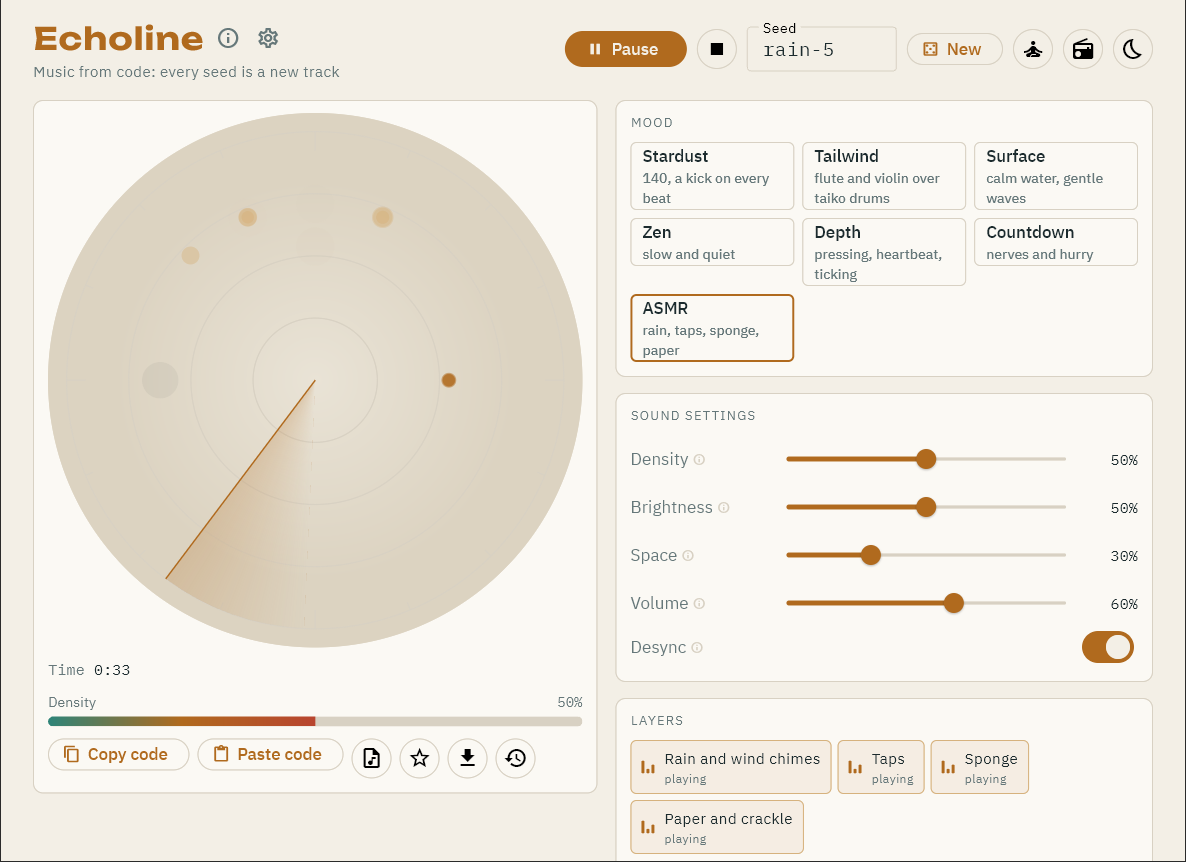
Echoline composes music right on your computer or phone from a seed, a mood and a few sliders. Type any word as a seed — and the program works out a whole track by its own rules. No internet, no neural networks, no samples: every note and every sound is synthesised by code.
The same seed and settings always give the same music, so a track fits into a short code you can copy and share — paste it into Echoline anywhere and hear exactly the same track.
MOODS
• Stardust — 140 BPM, a kick on every beat.
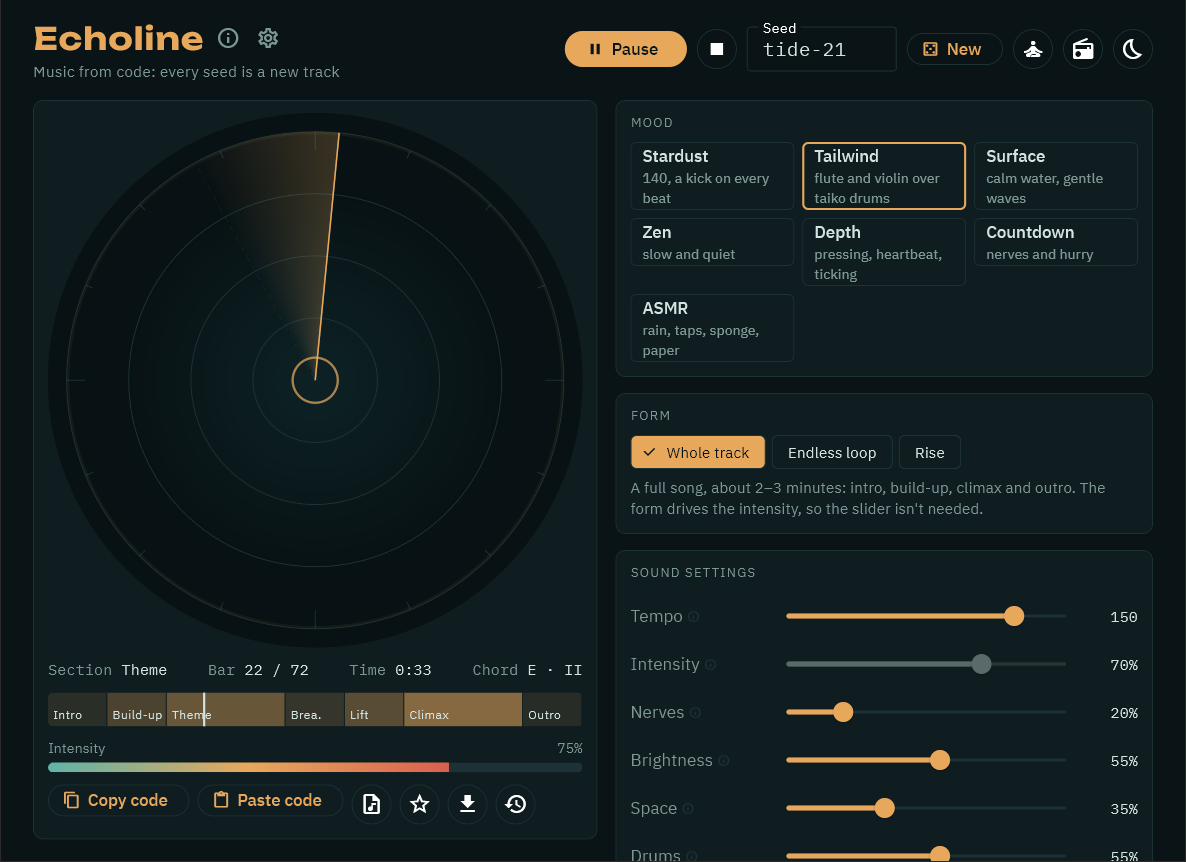
• Tailwind — a flute and a violin over taiko drums.
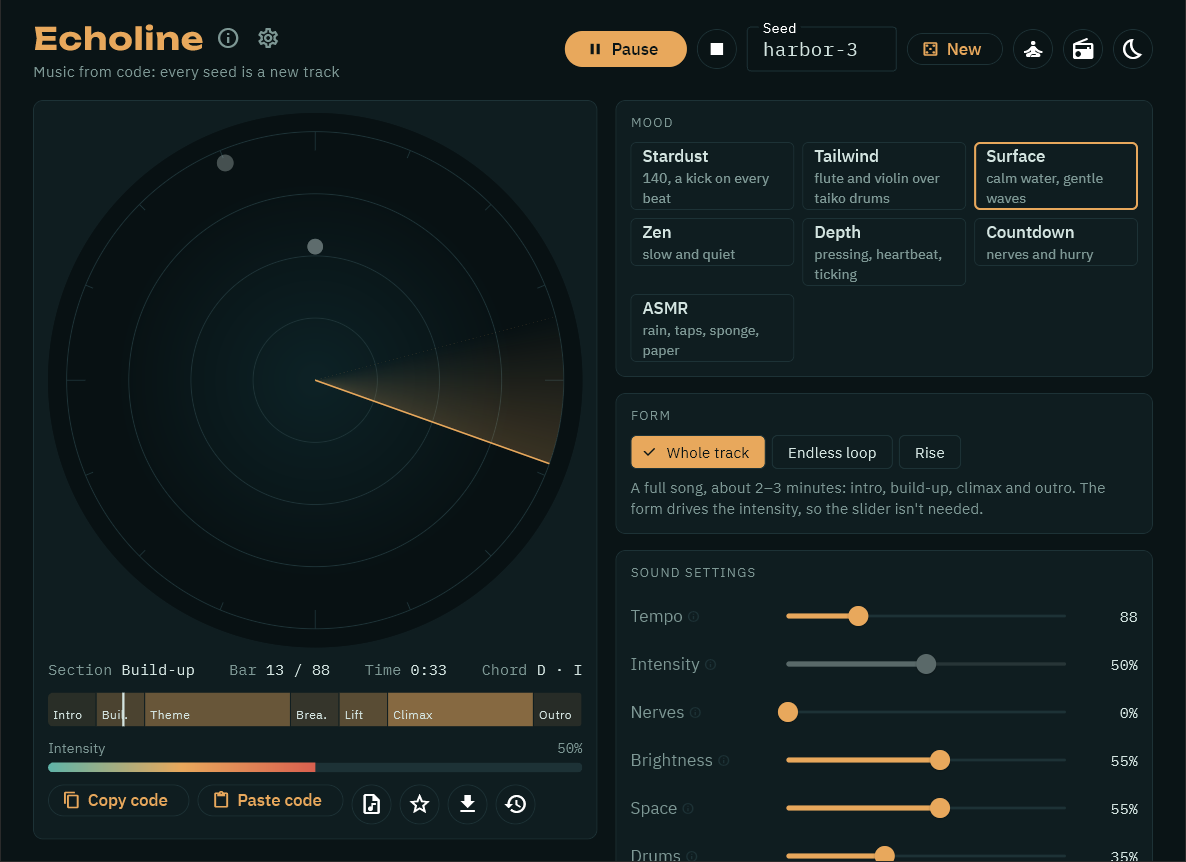
• Surface — calm water, gentle waves.
• Zen — slow and quiet.
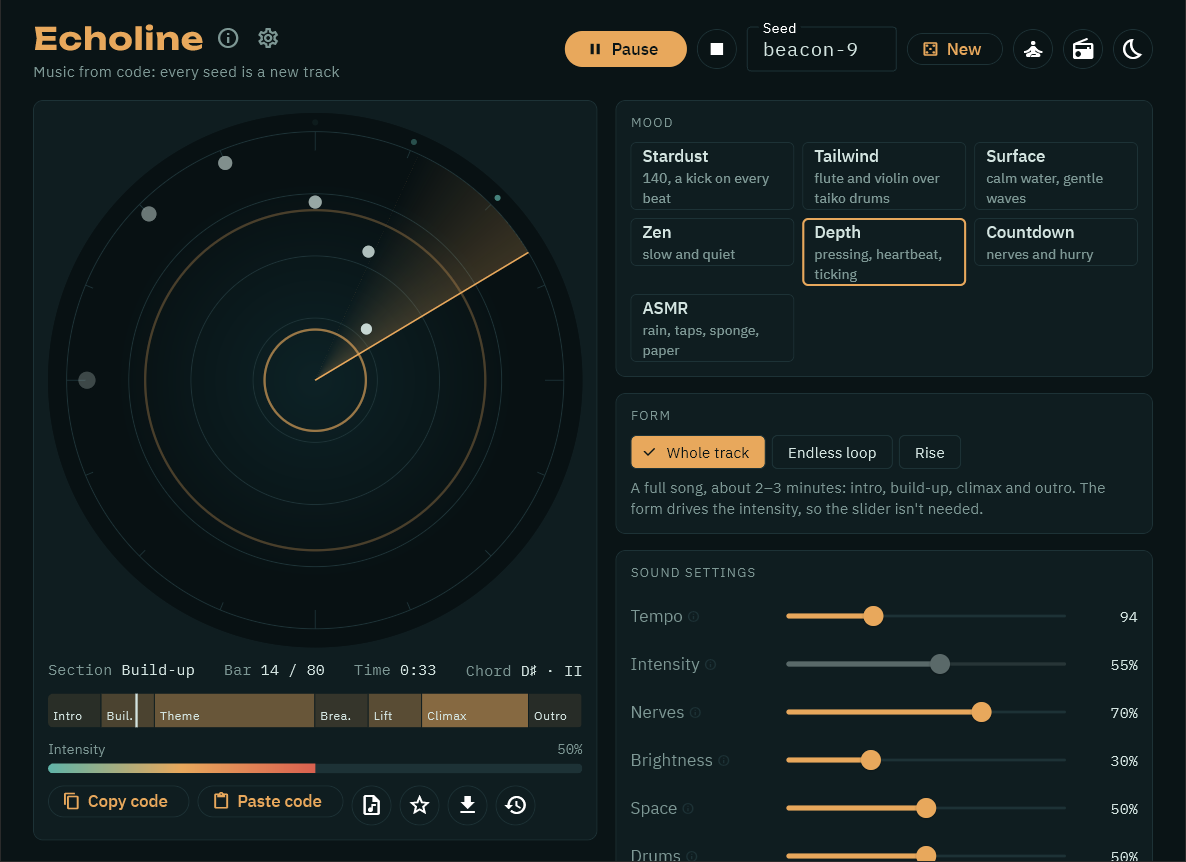
• Depth — pressing, a heartbeat, ticking.
• Countdown — nerves and hurry.
• ASMR — rain, taps, a sponge, paper: synthesised sounds placed around your head. Best on headphones.
WHAT YOU CAN DO
• A whole track (intro, build-up, climax, outro), an endless loop, or a slow rise.
• Sliders for tempo, intensity, nerves, brightness, space and drums; key and scale; switch layers on and off — the music follows as you play.
• Save tracks as WAV (up to 5 minutes per file) or as a seamless loop; the track's code is written inside the file.
• History and favourites, a sleep timer, dark and light themes, English and Russian.
Echoline Pro adds Radio (an endless stream of new tracks), live Sessions (one long track for focus, work and rest, or falling asleep — the sliders move by themselves) and saving files of any length (on Android also as compact AAC files). Pro isn't on sale yet; in this version those buttons are marked "Pro". A session someone shares with you as a code still plays here — listening is always free.
Plays fully offline. No ads, no accounts, no data collection.
Something to listen to while you work, read, study or fall asleep.
Windows may warn about an unknown publisher (Echoline isn't code-signed yet): click "More info", then "Run anyway".
ANDROID — AN EARLY VERSION
The Android version is here as an APK you install yourself. Please know before you install:
• Android will ask you to allow installing apps from your browser or file manager, and Google Play Protect may warn about an app it doesn't know. That's expected for apps installed outside Google Play.
• The music keeps playing with the screen off; it's controlled from the notification and the lock screen.
• If Echoline comes to Google Play one day, that version won't install over this one — Android will need you to remove this one first. Your history and favourites can go with you: History → "Save to a file" before, "Load from a file" after. Track codes always work in any version.
• It has been tested on a handful of phones so far. If something doesn't sound right on yours, please tell me in the comments (phone model and Android version help a lot).
Download
Install instructions
WINDOWS
1. Unzip the archive anywhere (for example, to your Desktop).
2. Open the "Echoline" folder and run echoline.exe.
3. If Windows says "Windows protected your PC", click "More info", then "Run anyway" — Echoline isn't code-signed yet.
No installation needed. Windows 10 or 11, 64-bit.
Your history, favourites and settings are saved automatically and stay when you update Echoline.
ANDROID (early version)
1. Download echoline_android.apk on your phone and open it.
2. If Android asks, allow installing apps from this source (your browser or file manager).
3. If Google Play Protect warns about an unknown app, choose "Install anyway".
Android 7.0 or newer. A newer APK from this page installs over the old one and keeps your history.
Development log
- Echoline is out: music from a seed7 days ago
Comments
Log in with itch.io to leave a comment.
Hi Marco! I’ve created some loops with Echoline and would like to use them as elements in original compositions by our experimental music duo, Orisonspells.
May we edit these loops and include them in tracks released publicly, including commercial releases on Bandcamp or through a record label? Is permission or attribution required?
Thank you!